Most software is designed by people sitting in offices with reliable broadband, and it shows the moment it leaves that environment. A huge share of India's field research happens in places where connectivity is intermittent at best — rural blocks with patchy 2G, government buildings with locked-down Wi-Fi, forest and hill areas with no signal at all for stretches of the day. An app built with the unstated assumption "the network is basically always there, and if it isn't, that's a rare edge case" will work fine in the demo and then quietly fail, repeatedly, in exactly the conditions field research actually happens in.
The frustrating part is that these failures are usually invisible until it's too late. Nobody gets an error message that says "your survey data is gone." What happens instead is subtler: a submission that looks complete on the enumerator's screen but never actually reaches the server, a photo attachment that silently drops because the upload timed out, or a record that gets corrupted midway through a partial sync and shows up in the dataset with some fields present and others missing, for no reason anyone can identify after the fact.
What actually breaks without real offline-first architecture
Partial syncs corrupting records
A "sync" is not one atomic operation — it's a sequence of network calls, and if the connection drops halfway through (which, on 2G, happens constantly), a naive implementation can leave a record in an inconsistent state: some fields written to the server, others not, with no clear signal to the app or the user that the sync was incomplete. The enumerator sees "submitted" and moves on to the next household, unaware that the record sitting on the server is missing half its answers.
Lost submissions when the app crashes mid-form
If a form's answers only exist in memory until the final "Submit" button is tapped, anything that interrupts the app before that point — a low-battery shutdown, an incoming call on a shared device, the OS killing a background app to free memory — wipes out the entire interview. On a forty-question form, that's not a minor inconvenience; it's fifteen or twenty minutes of a respondent's time and an enumerator's effort, gone, with no way to know it happened until someone notices a household is missing from the dataset.
Photo and audio attachments timing out on weak 2G
A 3–5 MB photo is a trivial upload on broadband and a serious challenge on rural 2G, where upload speeds can be a fraction of a megabit per second. An app that tries to upload the photo as part of the same request as the form submission, with no retry logic, will frequently time out — and depending on how the failure is handled, either the whole submission fails (frustrating and unclear to the enumerator) or the submission goes through with the photo silently dropped (worse, because nobody notices until someone needs that photo later).
GPS that never resolves indoors
GPS depends on a clear line of sight to satellites, which most indoor environments — concrete buildings, deep interiors, basements — don't provide. An app that waits indefinitely for a GPS fix before allowing the enumerator to proceed effectively blocks indoor interviews entirely; an app with no fallback or timeout leaves the enumerator stuck watching a spinner with no way forward.
Duplicate submissions from unclear submit confirmation
If tapping "Submit" doesn't give immediate, unambiguous confirmation that the record was saved (even if not yet synced), an enumerator who isn't sure it worked will — reasonably — tap it again, or restart the form and redo it. This is one of the most common sources of duplicate records in field datasets, and it's purely a UX/architecture problem, not an enumerator error: the fix is a design one, not a training one.
What genuine offline-first architecture requires
"Offline-first" is a specific architectural commitment, not a marketing label for "also has a spotty offline mode." The difference shows up in four concrete requirements.
Local-first storage on-device
The form's answers need to be written to durable on-device storage as the enumerator progresses through the interview — not held in memory and only persisted at the end. This is the single most important requirement: it's what makes an app crash a non-event instead of a lost interview, because whatever was answered before the crash is already saved and waiting on the device when the app reopens.
A background sync queue
Completed submissions should queue locally and sync automatically and silently whenever a connection becomes available — a few bars of signal passing through a village, a Wi-Fi network at the end of the day — without the enumerator needing to do anything or even be aware it's happening. The queue needs to survive app restarts and device reboots, and it needs retry logic that resumes cleanly rather than re-sending an already-synced record and creating a duplicate.
Conflict resolution for records edited on two devices
Less common but real: a supervisor edits a record on the web dashboard while, independently, the enumerator who originally submitted it makes a correction on their device before their next sync. When both changes reach the server, something has to decide which wins, or how to merge them, rather than silently overwriting one with the other. A genuinely offline-first system has an explicit answer to this question; a system that never considered it will pick whichever write happens to arrive last, and nobody will notice which change was lost.
Resumable large-file uploads
Photo and audio attachments need to upload independently of the core form data, in a way that can resume from where it left off after a dropped connection rather than restarting the whole file from zero. This is what makes photo capture practical on real rural networks instead of a feature that technically exists but fails constantly in the field.
| Failure mode | Root cause | What fixes it |
|---|---|---|
| Record missing fields after sync | Sync treated as one non-atomic network call | Local-first storage; sync only marks complete after full server confirmation |
| Entire interview lost | Answers held in memory, not saved until final submit | Write-as-you-go local storage on every answered question |
| Photo silently dropped | Attachment upload bundled with form submit, no retry | Independent, resumable file upload with retry queue |
| Enumerator stuck with no GPS fix | App waits indefinitely for a satellite lock | Sensible timeout with a manual override/retry option |
| Duplicate records | Unclear submit confirmation prompts a re-tap | Immediate local "saved" confirmation, independent of sync status |
| One edit silently overwrites another | No conflict-resolution logic for concurrent edits | Explicit conflict handling (timestamp-based or merge) on sync |
Questions to ask before choosing a data collection tool
"Works offline" appears on nearly every survey tool's marketing page, which makes it a nearly useless filter on its own. The architectural requirements above translate into specific questions that separate genuine offline-first design from an offline mode bolted onto a tool that assumes connectivity everywhere else.
- "What happens if the app is force-closed mid-form?" The honest answer should be "the enumerator reopens it and their answers are still there," not "they lose the interview and have to restart."
- "How does a photo upload behave on a slow or dropped connection?" Look for resumable uploads and a visible retry/queue status, not a single request that either fully succeeds or silently fails.
- "What happens if the same record is edited on two devices before either syncs?" A vendor without a clear answer to this hasn't built real conflict handling — it will simply pick a winner and quietly discard the other edit.
- "Can I see submission status — queued, syncing, synced — from the enumerator's device and from the admin dashboard?" Visible sync status is what prevents duplicate re-submissions born from uncertainty.
- "Has this been tested on 2G, not just simulated 'offline mode' on a office Wi-Fi network?" Airplane-mode testing and genuinely weak, intermittent connectivity are different failure regimes, and a tool tested only against the former can still fail badly on the latter.
These questions matter more in an Indian field-research context than almost anywhere else, given the sheer range of connectivity conditions a single national survey can span — dense urban areas with reliable 4G alongside remote blocks where 2G drops in and out for hours at a time, sometimes within the same district.
How FieldGovern approaches this
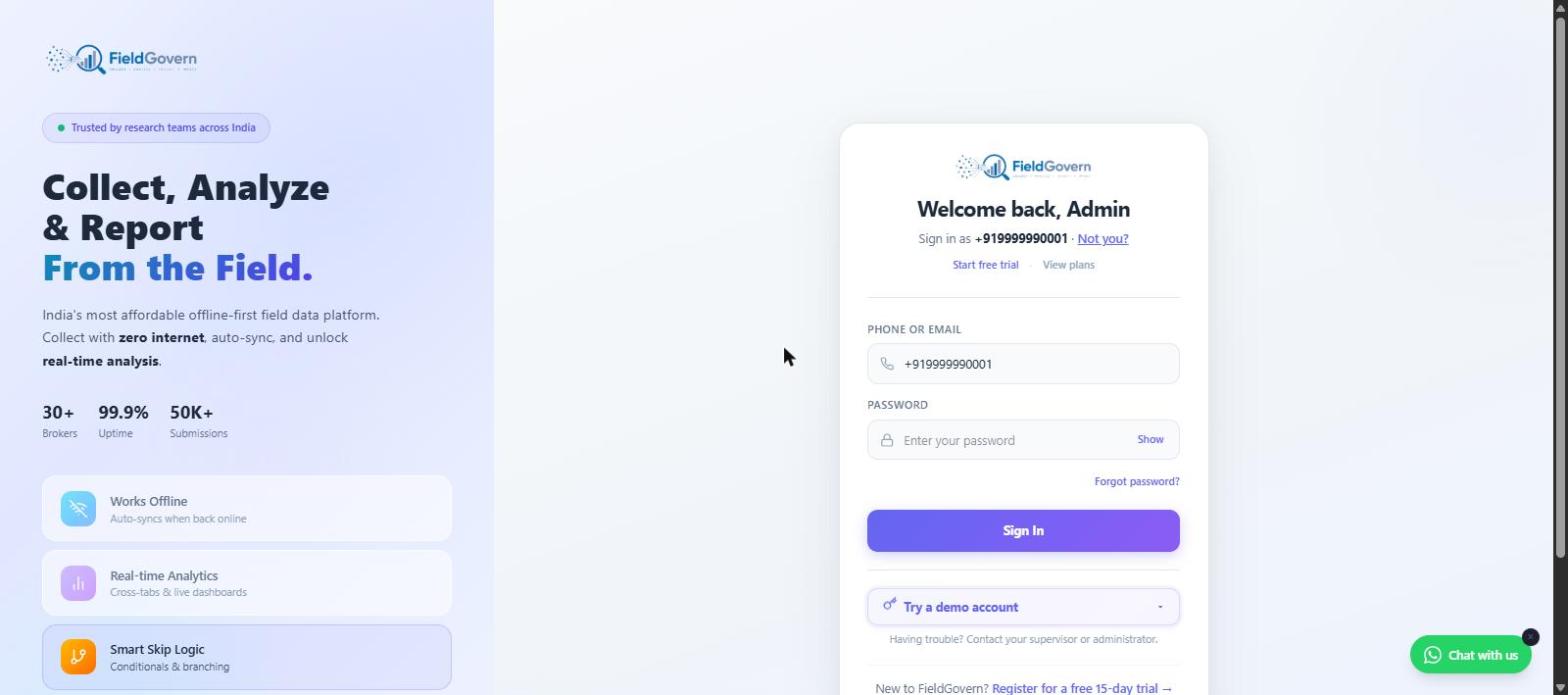
FieldGovern is built as a Progressive Web App specifically because the offline requirement is central to the product, not an add-on. In practical, customer-facing terms: the app works fully with zero internet connection — an enumerator can open it, fill out forms, capture photos, audio, and GPS, and submit, all without a single bar of signal — and everything queues locally on the device until a connection is available, at which point it syncs automatically in the background with no action needed from the enumerator. Supervisors and admins see submissions arrive on the dashboard as they sync, with clear status (queued, synced, flagged) rather than a black box.
Why "we'll just use paper as backup" doesn't solve this
A common fallback plan for teams worried about connectivity is keeping paper forms on hand as a backup for when the app fails. This addresses a real risk but introduces its own cost: paper backup data needs a separate double-entry or scanning step, doesn't carry the same skip-logic and validation the digital form enforces, and reintroduces exactly the transcription errors and delays that digital collection was meant to eliminate in the first place. It's a reasonable contingency for a genuinely broken device, but it isn't a substitute for a data collection tool that's actually engineered not to need it — a team that's routinely falling back to paper has an offline-architecture problem, not a connectivity problem, and switching tools is usually cheaper than maintaining a permanent parallel paper process.
A pre-fieldwork test every team should run
Whatever tool a team uses, this simple test — run once before the field team deploys, on the actual devices they'll use — catches most offline failures before they cost a single real interview.
- Put the device in airplane mode. Fully offline, not just "weak signal" — this is the honest test of local-first storage.
- Fill out a full form, including at least one photo capture and one GPS-dependent field, exactly as an enumerator would in the field.
- Submit the form and confirm the app gives clear local confirmation that it was saved — not synced, just saved — without needing a connection.
- Force-close the app after submitting, to simulate a crash or battery shutdown, then reopen it and confirm the queued submission is still there.
- Reconnect to the network (turn off airplane mode) and watch the sync happen — confirm the record, including the photo and GPS data, arrives complete on the server-side dashboard.
- Check for duplicates. Confirm exactly one record was created, not two, even if you tapped submit more than once while testing.
Offline behavior can vary across Android versions and manufacturers' battery-optimization settings, which sometimes kill background sync processes more aggressively than others. A test that passes on one device doesn't guarantee it passes on all of them.
This test takes fifteen minutes and costs nothing. Skipping it and discovering an offline failure mode three weeks into fieldwork, spread across forty enumerators in a dozen districts, costs a great deal more — in lost interviews, re-fielding, and time that can't be recovered once a survey window has closed.
Built offline-first from day one
FieldGovern works with zero internet connection and auto-syncs the moment a device reconnects — no lost submissions, no manual retry, no drama.
Start Free Trial